Your own photo
You upload a picture of yourself and the AI dresses it. The closest to seeing real colours and proportions on you.
Some apps dress your own photo, some an avatar, some a model. Here is how the main try-on apps compare, and how to choose.
 Style AA team7 min
A virtual try-on app shows clothes on you before you buy or wear them. The biggest difference between apps is what they dress: your own photo (Style AA, FitRoom, DrapeAI, Fits), an avatar made to look like you (Alta Daily, Acloset) or a model (Pureple). After that, check where the clothes can come from, how many free tries you get, and whether the app also knows your wardrobe.
We make Style AA, so it is on this list. To keep the comparison fair, every other app's details come from its own App Store listing, Google Play page or website, checked on 14 November 2026, and we say where other apps do something better than we do. Prices are US App Store prices and can differ in your country.
You upload a picture of yourself and the AI dresses it. The closest to seeing real colours and proportions on you.
The app builds a figure that looks like you and dresses that. Consistent, but one step removed from your own photo.
The outfit is shown on a model. Good for ideas, but it doesn't show how the look works on your body.
From each app's own listing and site, checked on 14 November 2026. US prices; they change often.
| App | Dresses | Clothes from | Runs on | Free | Paid (US) |
|---|---|---|---|---|---|
| Style AA | Your photo | Your closet, a screenshot or a product link; any shop on Chrome | iPhone, iPad, Android, Chrome extension | 3 try-ons every 30 days | $7.99 a month (40 try-ons), $49.99 a year (500), $99.99 once |
| FitRoom | Your photo | Your own garment images or built-in items | iPhone, Android, web | On the web, 10 credits a month with a watermark | On iPhone from $4.99 a week or $29.99 a year |
| DrapeAI | Your photo or an AI avatar | A product link or a garment photo | iPhone, Android | First try-on, with a watermark | $49.99 a year (25 looks a month) or $69.99 a year (50) |
| Fits | Your selfie | Your wardrobe or wishlist | iPhone, Android | Closet is free; try-ons use AI credits | Credits from $1.99; Fits Pro includes 30 a month |
| ChangeMyFit | A full-body model built from your selfie and height | Up to 8 pieces dragged from any site | Browser extension | 2 looks | 20 credits for $5, 100 for $20; no subscription |
Wardrobe apps with try-on built in: Alta Daily (free) and Acloset dress an avatar that looks like you, Cladwell shows outfits on you on its paid plan, and Pureple shows them on a model. Wardrobe apps compared
Our app. Upload one photo and try on any outfit: a look from a style world, a piece from your own closet, a screenshot or a product link. Because Style AA is also your wardrobe, you can see how a new piece works with what you already own, plan the look in your calendar and shop every item. Style AA for Chrome puts a Try on button on product photos in online shops. The free plan includes 3 try-ons every 30 days; Pro gives 40 a month or more.
A dedicated try-on app on iPhone, Android and the web, also sold to sellers for model photos. The web version gives 10 free credits a month with a watermark, and FitRoom says uploaded images are deleted after processing.
Paste a product link or upload a garment photo and see it on your photo or an AI avatar, with a 360° view, a wardrobe and a calendar. The first try-on is free with a watermark. It is a young app with few ratings so far.
A wardrobe app first: the closet is free with unlimited items, and try-on uses your selfie and body type at one AI credit per look.
A browser extension rather than a phone app. Drag up to eight pieces from any site onto a full-body model built from your selfie and height. Two looks are free, then you buy credits.
Try-on shows how a look suits you; it doesn't measure your size. Always check the shop's size guide before you order. For tips on the photo that gets the best result, see how virtual try-on works.

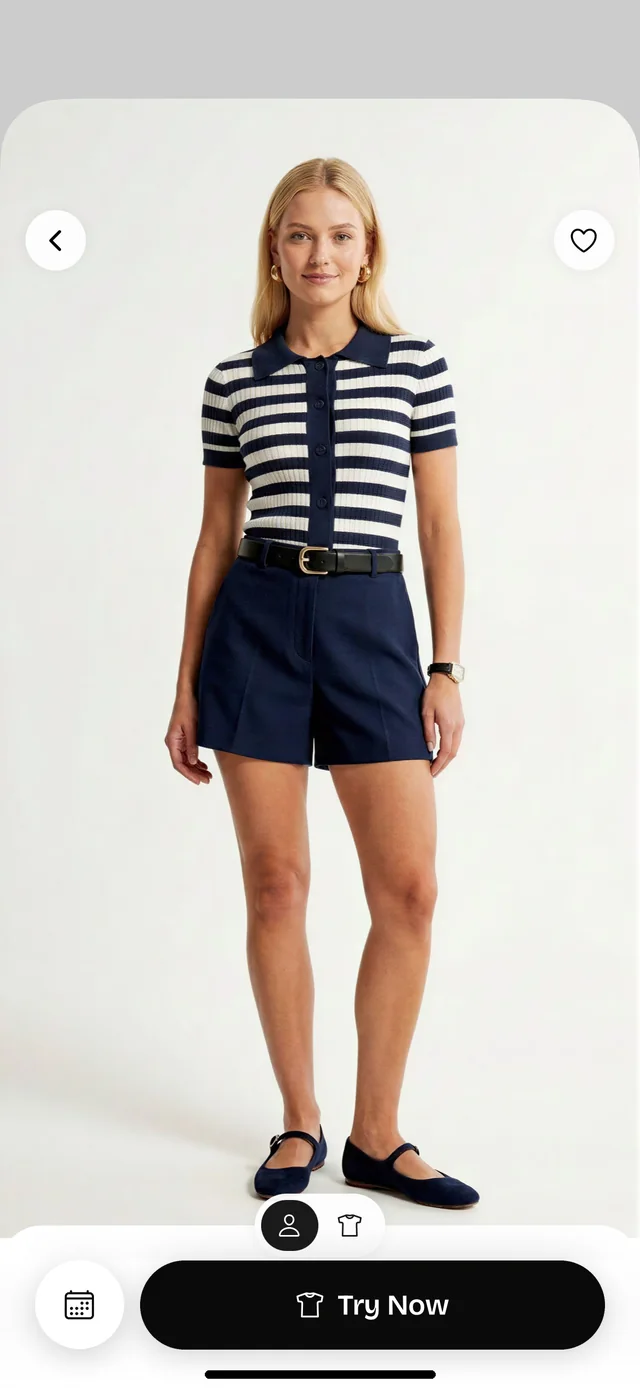
If you want to see clothes on your own photo, Style AA, FitRoom, DrapeAI and Fits all do that. Style AA also holds your wardrobe and works in Chrome; FitRoom has a free web tier; DrapeAI takes product links. Alta Daily and Acloset use an avatar instead.
Yes, with a browser extension. Style AA for Chrome adds a Try on button to product photos in online shops, and ChangeMyFit lets you drag pieces from any site. In the Style AA app you can also try on from a screenshot or a product link.
FitRoom's web version gives 10 credits a month with a watermark, DrapeAI's first try-on is free, ChangeMyFit gives two free looks, and Alta Daily is free with try-on on an avatar. Style AA's free plan includes 3 try-ons on your own photo every 30 days.
They show colours, proportions and the overall look on you well, but none of them measure your size. Use the shop's size guide before you order.
A full-length photo, facing the camera, in daylight or bright indoor light, with a plain background and your arms slightly away from your body. More tips.
Inside Style AAStyle AA team3 min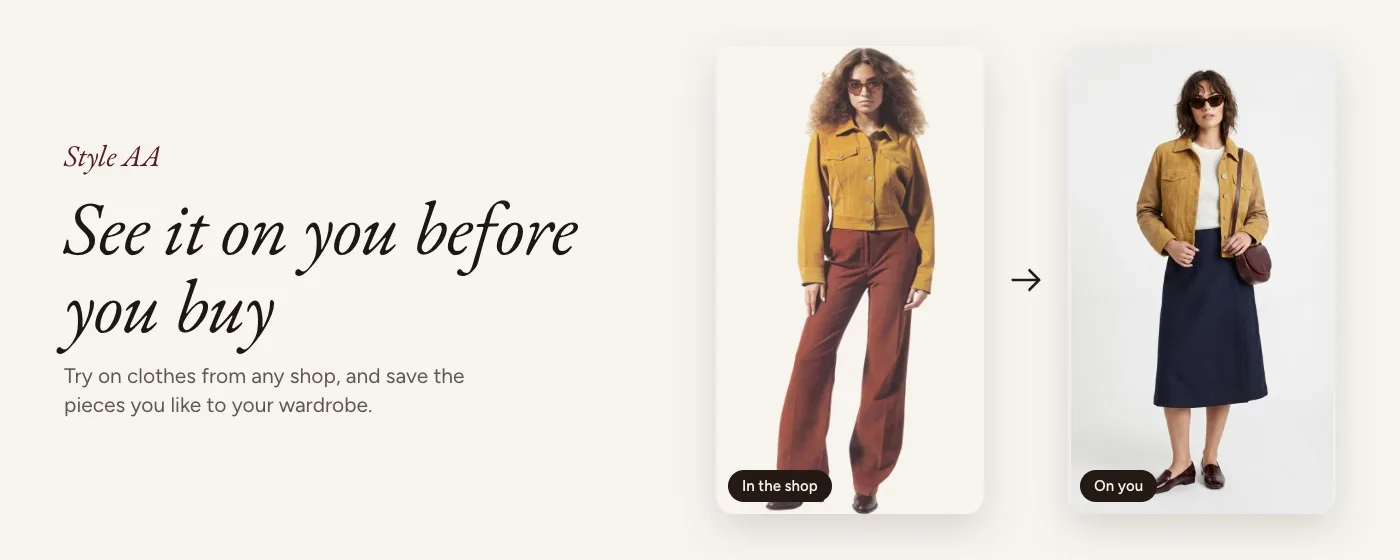 Inside Style AAStyle AA team3 min
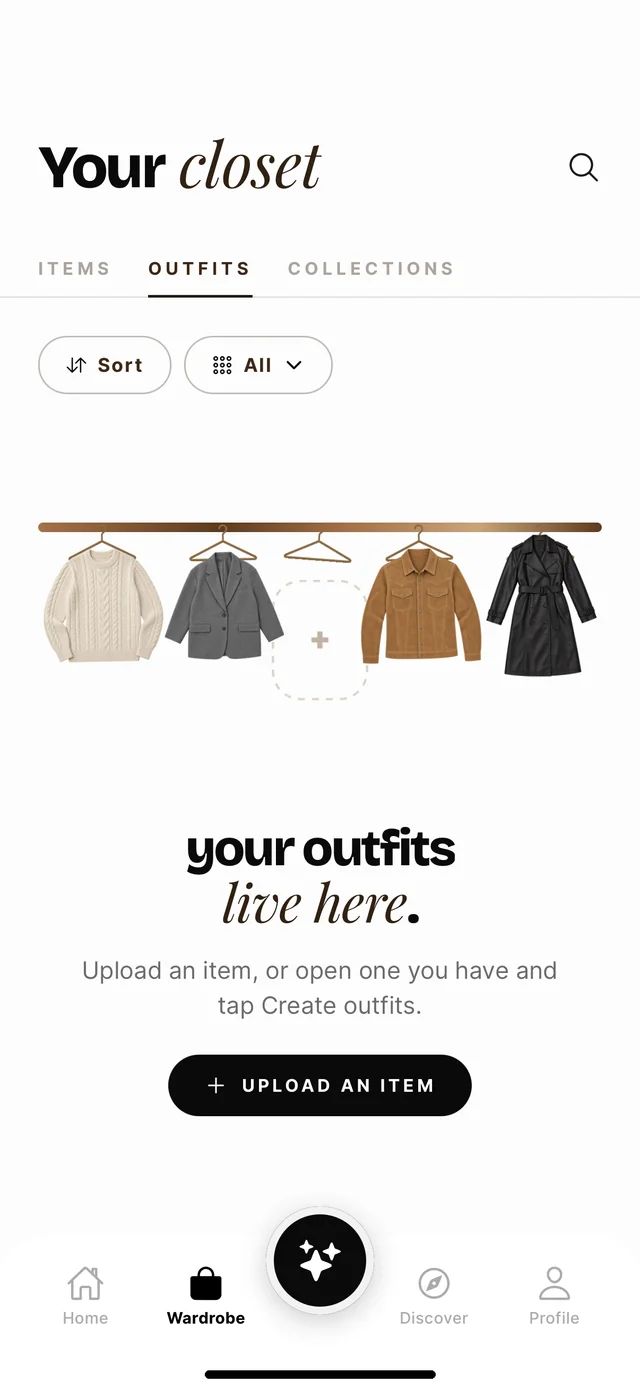 App guidesStyle AA team8 min
One photo, any outfit, in seconds. Free to download on iPhone, iPad and Android, and on Chrome for any shop.
Download on the App Store